How to Cancel Your PSA Appointment Online (2026) — Step-by-Step
Last Updated on October 3, 2026 by gillani
Navigating the PSA’s online appointment system can be tricky, especially when you need to cancel an appointment. Whether it’s due to a scheduling conflict or a simple mistake, knowing how to cancel your PSA appointment online is crucial. This guide provides a step-by-step process that even those unfamiliar with technology can easily follow. Please note: since 23 March 2026, appointments are mandatory at all PSA CRS outlets under PSA Advisory 26CRS01-0546, and walk-ins are no longer accepted. Booking at appointment.psa.gov.ph is free, and appointment slips are non-transferable — each slip must bear the requester’s name.
How to Cancel PSA Appointment Online via Mobile (Smartphone)
Canceling your PSA appointment via mobile devices is a convenient option for Filipinos on the go. Whether using a smartphone browser or the PSA mobile app , this guide simplifies the mobile-friendly process to cancel or reschedule appointments seamlessly. Perfect for users in Manila, Cebu, or remote areas, these steps ensure you manage your PSA documents anytime, anywhere.
For mobile browser compatibility, avoid outdated browsers like Internet Explorer.
Why You Might Need to Cancel Your Appointment
Before diving into the cancellation process, it’s important to understand why you might want to cancel a PSA appointment:
Tagalog Translations for Key Terms
For Filipino users struggling with English terms, Tagalog translations for key PSA appointment phrases simplify the cancellation process. Including terms like “Kanselahin ang Appointment” (Cancel Appointment) or “I-reschedule” (Reschedule) ensures clarity for non-English speakers in Manila, Cebu, or rural areas. This section bridges language gaps, helping users navigate the PSA online portal confidently while boosting accessibility for all.
How to Cancel PSA Appointment Online
Step-by-Step Process
What Happens After Cancellation?
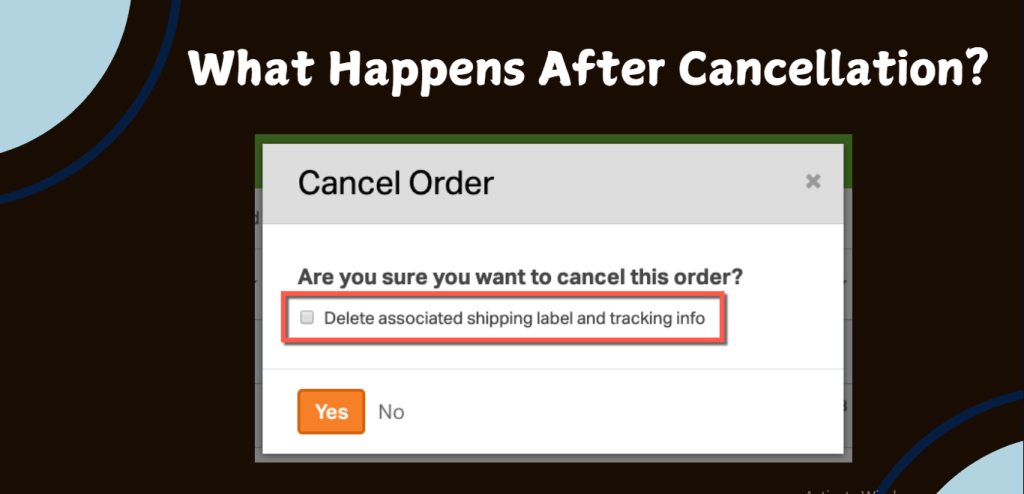
Once you’ve canceled your appointment, you might wonder what comes next:
Can You Cancel a PSA Order?
If you’re wondering whether you can cancel a PSA order (like a birth certificate request), the answer is yes! The process is similar:
- Log into the PSA online portal.
- Navigate to your orders.
- Select the order you wish to cancel.
- Follow prompts for cancellation.
Localized PSA Office Information
Easily navigate PSA’s online appointment cancellation with local help in Manila, Cebu, Davao, or key Philippine cities. Access PSA office locations, contact details, official directory links, major office addresses, and region-specific hotlines for quick resolution. Ideal for urgent assistance or in-person support to confidently cancel/reschedule appointments.
Manila PSA Office
Cebu PSA Branch
Davao PSA Office
General PSA Hotline
PSA Regional Offices
What If You Want to Change Your Appointment Date?

If you’re unable to attend but still wish to visit the PSA office, consider changing your appointment date instead of canceling it entirely. Here’s how:
Managing your PSA appointment is easier when you know where to look. Canceling or rebooking through the official appointment system is free. If you’d rather skip the outlet visit, the PSA e-Certificate (₱290) is a digitally signed, QR-verifiable PDF you can order online instead. Related guides:
Related guides: How to check your PSA appointment status (https://psaappointment.com/checking-psa-appointment-status/), common PSA appointment errors (https://psaappointment.com/psa-appointment-errors/), the PSA e-Certificate (https://psaappointment.com/psa-e-certificate/), and the PSA appointment schedule (https://psaappointment.com/psa-appointment-schedule/).
Common Issues Faced During Cancellation
Even with a clear process, users may encounter issues when trying to cancel their appointments. Here are some common problems and how to address them:
Tips for Effective Communication with PSA Support
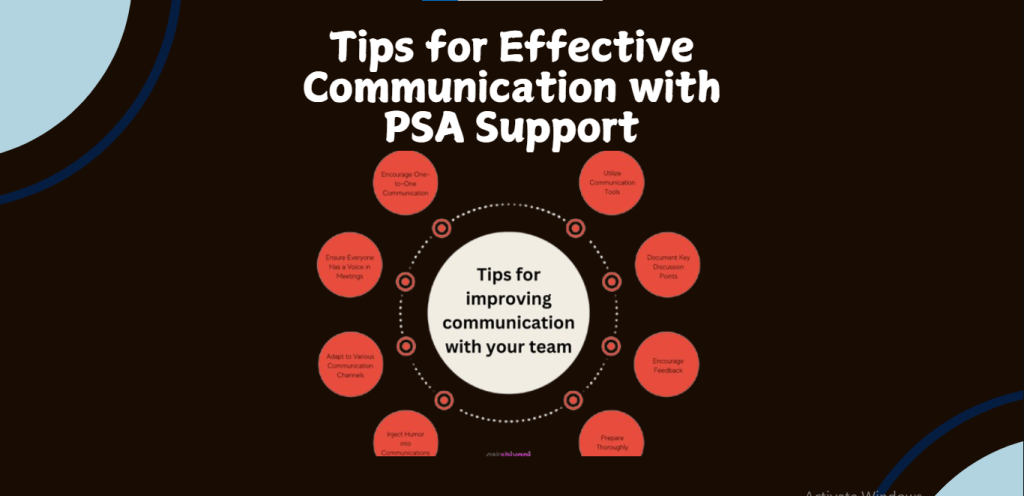
If you need further assistance during the cancellation process, effective communication with the PSA support team is key. Here are some tips:
Final Thoughts on Managing Your PSA Appointments
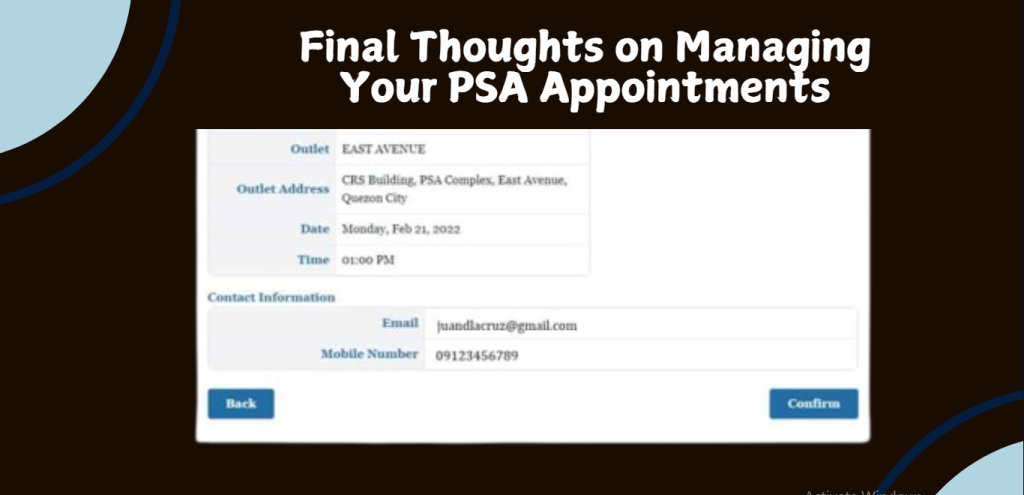
Managing appointments with the PSA can feel daunting at times, but knowing how to navigate cancellations effectively is crucial. Always keep updated on any changes in policies by regularly visiting the PSA website or subscribing to their notifications.
By following this comprehensive guide, not only will you be able to cancel your appointment seamlessly, but you’ll also be well-prepared for any future interactions with the PSA.
This proactive approach will save time and reduce stress in managing vital document requests in the Philippines.
Benefits of Online Appointments
Using the online appointment system has several advantages:
| Benefits | Description |
| Convenience | Book or cancel appointments from anywhere with internet access. |
| Time-Saving | Reduce waiting times by securing a specific time slot. |
| 24/7 Access | Access the appointment system at any time, day or night. |
| Immediate Confirmation | Receive instant confirmation of your appointment or cancellation. |
These benefits highlight why utilizing the online system is recommended for managing PSA appointments.
Common Mistakes to Avoid
When managing your PSA appointments, be mindful of these common mistakes:
What to Do If You Miss Your Appointment
If you miss your scheduled appointment, here’s what you can do:
Canceling PSA Orders
If you’ve placed an order for documents through PSA and need to cancel it, check their specific cancellation policies regarding orders. Usually, there are guidelines on how long after placing an order you can request a cancellation.
How to Cancel a PSA Request
When making requests for documents or services through PSA, cancellations may be necessary if circumstances change. Refer back to their official site for detailed instructions on handling such requests.
Tips for Managing Your PSA Appointments Effectively
To avoid issues with future appointments, consider these tips:
FAQs
Q: How do I change my PSA appointment date?
A: Sign in at appointment.psa.gov.ph, open “My Appointments,” and choose the Reschedule or Change Date option instead of Cancel. Pick a new date and time, confirm, and wait for the confirmation email.Q: What happens if I miss my appointment?A: You will need to book a new appointment at appointment.psa.gov.ph — missed slots cannot be reused, and appointment slips are non-transferable (each slip must bear the requester’s name). Since the phased rollout was completed on 5 October 2026, appointments are mandatory at all PSA CRS outlets under PSA Advisory 26CRS01-0546, so you cannot walk in without one. If you cannot visit in person, the PSA e-Certificate (₱290) is a digitally signed, QR-verifiable PDF launched on 25 February 2026 that you can use instead.Q: Is there a fee for canceling my appointment?A: No. Booking and canceling an appointment at appointment.psa.gov.ph is completely free. Document fees are charged per copy and per channel — for example, ₱155 per copy at the CRS outlet counter versus ₱365 per copy via PSAHelpline home delivery.
Conclusion
Canceling your PSA appointment online is a simple process that can save your time. By following the outlined steps and keeping track of your appointments, you’ll manage your requests effectively. Remember: since 23 March 2026, appointments are mandatory at all PSA CRS outlets, booking at appointment.psa.gov.ph is free, and appointment slips are non-transferable. If you have further questions, check the official PSA channels or browse our related guides above for help.