
How to Correct a Name on a PSA Document (RA 9048 / 10172 Guide)
Last Updated on October 3, 2026 by gillani
Need to correct a name on your PSA document in the Philippines? Whether it’s due to a typographical error, misspelling, or legal name change, corrections under RA 9048 and RA 10172 are filed with the Local Civil Registry Office (LCRO) — not through the PSA online appointment system. This guide explains where to file and what to expect.
Why Correct Your Name on PSA Documents?
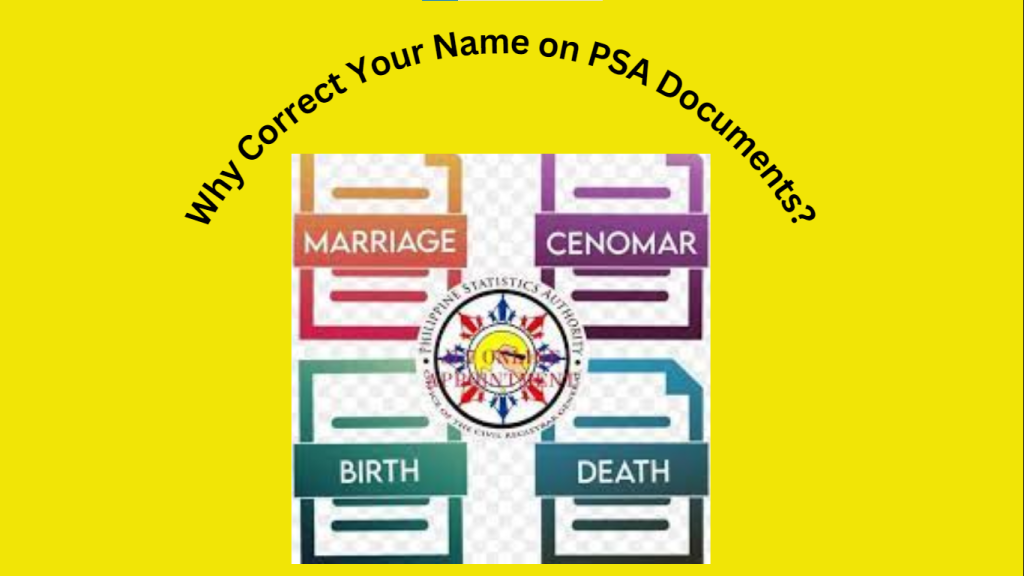
Correcting your name on PSA documents is essential for:
What You Need to Prepare
Before visiting the LCRO, prepare the documents your LCRO asks for — requirements vary by case.
How to File a Name Correction at the LCRO
Step 1: Go to the Local Civil Registry Office
Name corrections under RA 9048 (clerical or typographical errors) and RA 10172 (day/month of birth, sex) are filed with the Local Civil Registry Office — usually the LCRO of the city or municipality where the record was registered. The PSA online appointment system is for requesting certificates, not for filing corrections.
Step 2: Ask What Your Case Requires
Step 3: Prepare Your Documents
Prepare the documents your LCRO asks for. Requirements vary by case — do not rely on generic checklists seen online.
Step 4: File Your Application
Submit your application at the LCRO. Staff process corrections through APCAS, which is a staff-side system — not a public portal you log into yourself.
Step 5: Pay the Fees
Pay the fees your LCRO advises. Amounts and accepted payment methods vary by office — ask directly and do not rely on figures seen online.
Step 6: Provide Accurate Information
Provide the necessary information, such as:
Step 7: Follow Up on Your Application
Ask your LCRO how to check the status of your application and how long processing takes. Processing time varies by case and office — confirm with your LCRO.
Tips for Filing at the LCRO
FAQs
Where do I file a name correction? At the Local Civil Registry Office (LCRO) — usually the LCRO of the city or municipality where the record was registered. Corrections under RA 9048/10172 are filed at the LCRO, not through the PSA online appointment system.
Can I correct my name online without visiting an office? No. Corrections are filed at the LCRO and processed by staff through APCAS, which is a staff-side system — not a public portal. You cannot file a correction entirely online by yourself.How long does it take to process? Processing time varies by case and office. Confirm with your LCRO.
Conclusion
Correcting a name on a PSA document means filing at the Local Civil Registry Office under RA 9048 or RA 10172. Start by asking your LCRO what your case requires — requirements, fees, and processing time all vary.
Related guides: PSA Corrections, PSA Appointment Errors, Late Registration PSA Philippines, Need to Know About the PSA and PSA Certificates.