How to Pay PSA Certificates at 7-Eleven (2026): Reference Number Guide
Last Updated on October 3, 2026 by gillani
Paying for your PSA birth, marriage, death certificates, or CENOMAR at 7-Eleven is easy and hassle-free. With stores open 24/7 nationwide, you can make your payment anytime that fits your schedule. The process is fast and secure, making it a convenient choice for busy people who need their documents quickly.
Placing Your PSA Certificate Order Online
Before going to 7-Eleven, you must first order your PSA certificate online through the official PSA website. The process is quick and easy, but you need to enter accurate details to avoid delays. Make sure to choose the correct document you need before proceeding with payment.
Before paying at 7-Eleven, order online first. Follow these steps:
Important Reminder:
PSA certificate fees depend on the channel you use. If you’d rather not visit an outlet at all, note that since 23 March 2026 appointments have been mandatory at all PSA CRS outlets (PSA Advisory 26CRS01-0546) — booking is free at appointment.psa.gov.ph. PSA also offers digital alternatives: the e-Certificate (launched 25 Feb 2026, a digitally signed QR-verifiable PDF), Viewable Online (a 60-day online view), and DocPrint (₱80 per copy at a CRS outlet, no appointment needed). The verified fees per channel are listed below:
PSA Certificate Fees by Channel (2026)
| Channel | Birth / marriage / death | CENOMAR |
|---|---|---|
| CRS outlet counter (appointments mandatory since 23 Mar 2026) | ₱155 per copy | ₱210 per copy |
| PSAHelpline physical delivery | ₱365 per copy | ₱420 per copy |
| PSA e-Certificate (launched 25 Feb 2026; digitally signed QR-verifiable PDF) | ₱290 | ₱345 |
| Viewable Online (60-day online view) | ₱130 | ₱185 |
| DocPrint at CRS outlet (no appointment needed) | ₱80 per copy | ₱80 per copy |
Selecting 7-Eleven as Your Payment Channel
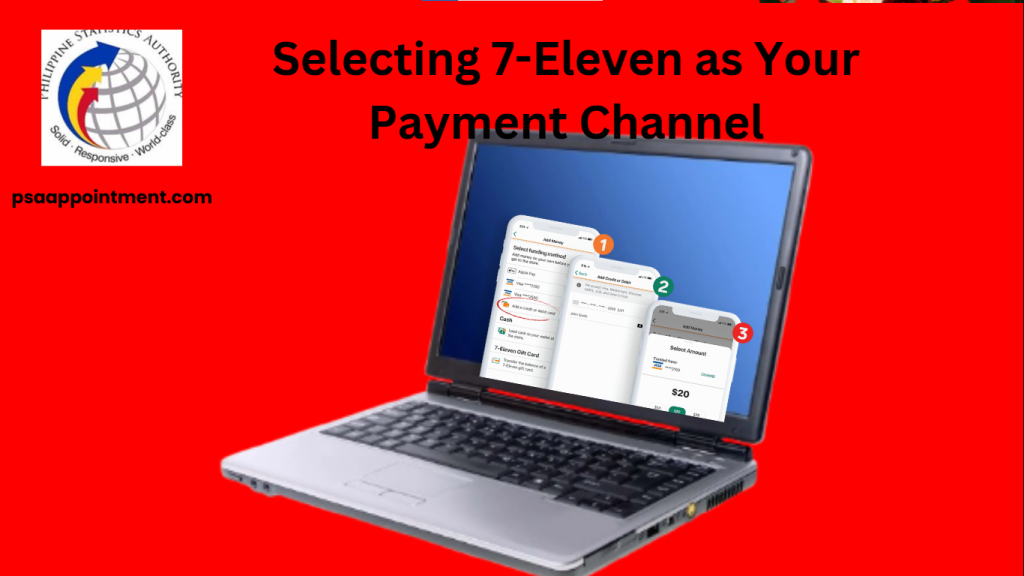
At checkout on the PSA website, you’ll see different payment options. If you choose 7-Eleven, the system will give you a unique reference number — write it down or take a screenshot, as you’ll need it to complete your payment at the store.
At checkout on the PSA website:
Very Important:
Pro Tip: Save both the reference number AND payment amount in your phone notes for easy access at the store.
Completing Payment at Your Nearest 7-Eleven
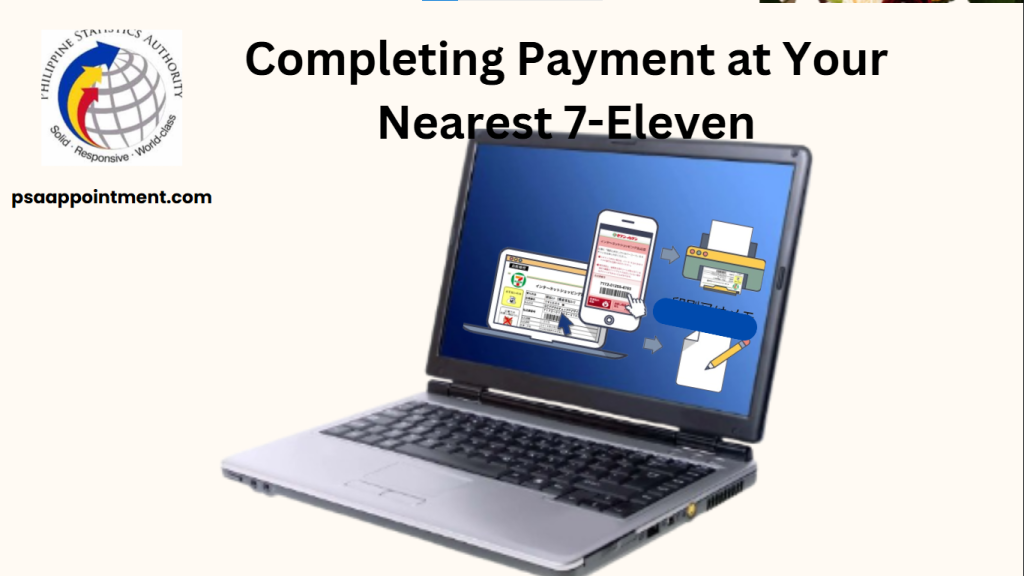
Paying at 7-Eleven is the simplest step. Just use the CLiQQ kiosk, which has easy-to-follow on-screen instructions. If you need help, the store staff are always ready to assist, making sure your payment is done correctly and hassle-free.
Paying at 7-Eleven is quick and easy. Just follow these steps:
What to Do:
Need Help?
Important Reminders:
Done? Keep your receipt until your documents arrive.
Tracking Your PSA Certificate Delivery
Once you’ve paid successfully, your PSA documents will be processed for delivery. You can track your order through the PSA system and will receive updates via email or SMS. Delivery timeframes may vary — confirm current timelines on the official channel; you’ll get notifications at every step until your documents arrive.
After paying at 7-Eleven, here’s how to track your documents:
How to Track Your Order:
Important Notes:
Tracking Tips:
Check daily – Status updates frequently. Use the same reference number from your 7-Eleven payment. Contact PSA through the official channels if you stop receiving updates.
Understanding PSA Certificate Eligibility and Requirements
Not everyone can request all PSA documents, as there are specific rules on who can receive them. This guide explains the requirements for each certificate to help you avoid issues when ordering. Knowing these rules ensures a smooth and hassle-free application process.
Who Can Request PSA Documents?
Important Notes:
Important Reminders for a Smooth Transaction
For a smooth and easy PSA payment at 7-Eleven, follow these important tips. From preparing your documents to verifying your payment, these simple steps will help you avoid mistakes and complete your order without delays.
Troubleshooting Common Payment Issues
While the system is simple, problems can sometimes occur. This section covers common issues users face and offers easy solutions.
Whether it’s a payment delay or a reference number issue, you’ll find clear steps to quickly fix the problem and keep your documents on track.
Payment Not Reflected in PSA System?
Lost or Wrong Reference Number?
Payment Failed at 7-Eleven?
Order Cancelled Automatically?
Need Urgent Help?
Maximizing the Benefits of 7-Eleven PSA Payments
Explore the many benefits of using this payment method, beyond just convenience. From time-saving features to added security, knowing these perks will help you get the most out of your PSA document ordering.
Final Checklist Before Payment
Before heading to 7-Eleven, run through this essential checklist to ensure you have everything prepared.
This simple verification step can prevent unnecessary trips and delays, making your entire PSA document acquisition process faster and more efficient. Cover all your bases with this practical pre-payment guide.
Before Going to 7-Eleven, Verify:
Last-Minute Reminders:
Pro Tip:
Take a screenshot of your reference number + payment amount for foolproof payment!
Now you’re ready! Head to 7-Eleven and complete your transaction.
FAQs
How do I get my reference number for 7-Eleven payment?
After placing your order on the PSA website, you will receive a unique reference number via email or SMS. This is required to complete your payment at 7-Eleven.
What happens if I don’t pay on time?
Unpaid orders may be cancelled, and you’d need to place a new request on the PSA website. Check your order confirmation for any payment deadline.
How can I track my PSA certificate after payment?
Visit the PSA official website and enter your reference number to check your order status. You will also receive updates via email or SMS.
How long does it take to receive my PSA certificate?
What should I do if my payment doesn’t reflect in the PSA system?
Wait a while, as processing may take time. If it’s still not updated, contact PSA through the official channels and provide your payment receipt details.
Conclusion
Paying for your PSA certificates at 7-Eleven is convenient thanks to 24/7 availability and a simple process. By following the steps outlined, you can complete your payment and track your order. Double-check your details, keep your receipt, and pay promptly to ensure a smooth transaction.