PSA Online Appointment QR Code
Last Updated on October 3, 2026 by gillani
Planning to visit a Philippine Statistics Authority (PSA) outlet for your document request? Since appointments became mandatory at all CRS outlets on 23 March 2026, your appointment slip with its QR/barcode is what gets you through the door. This guide explains what the slip is, how to get it, and how to use it on your appointment day.
What Is the Appointment Slip (QR/Barcode)?
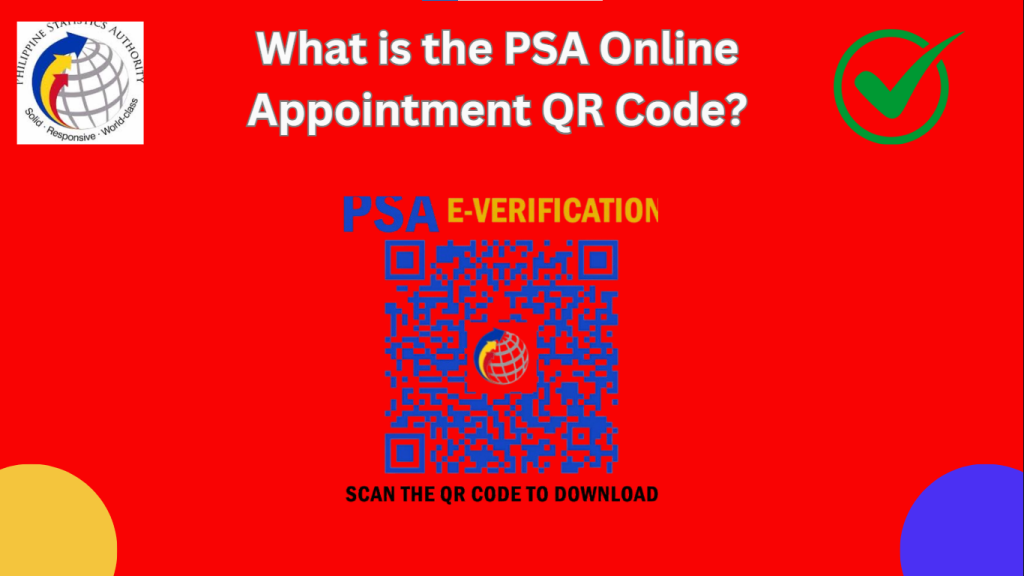
After you successfully book at appointment.psa.gov.ph — the official (and free) CRS booking system — you receive an appointment slip with a QR code/barcode and booking reference number. Make sure the name on your slip matches your valid ID — slips are non-transferable. Have your slip ready at the entrance; a printout is the safest option.
Book your PSA appointment online with ease, access all the necessary documents and details you need, and take advantage of convenient scheduling.
Why the Slip Matters
- No slip, no entry: since the 23 March 2026 mandatory-appointment rule, you cannot enter a CRS outlet without a confirmed booking — have your slip and ID ready at the entrance.
- Accuracy: the name on your booking must match your valid ID — a mismatch can get your request refused.
How to Get Your PSA Online Appointment QR Code
Step 1: Visit the PSA Website
Go to the official PSA website: https://www.psa.gov.ph. Look for the “Online Appointment System” or “Serbilis Outlet Services” section.
Step 2: Create or Log In to Your Account
Step 3: Choose Your Preferred PSA Branch
Select the PSA branch nearest to you. If you’re in a major city like Manila, Cebu, or Davao, choose the most convenient location.
Step 4: Select the Document You Need
Choose the type of PSA document you need, such as:
Step 5: Fill in the Required Details
Provide the necessary information, such as:
Step 6: Pick a Date and Time
The system will show available slots. Choose a date and time that works best for you. Pro tip: Arrive 10-15 minutes early to avoid delays.
Step 7: Confirm — Booking Is Free
Booking your appointment costs nothing. PSA never charges for the appointment itself — you pay only the document fee at the outlet cashier on your visit day (₱155 per birth/marriage/death certificate; ₱210 per CENOMAR). If any website asks you to pay a “slot fee” or “booking fee,” book only at appointment.psa.gov.ph — the official, free booking system.
(For reference: ₱365 is the per-copy price on PSAHelpline.ph — a separate online channel that includes home delivery, not the outlet appointment price.)
Learn about the importance of civil registration in the Philippines as we celebrate the 32nd Civil Registration Month. Discover how to obtain PSA certificates, such as birth, marriage, and death certificates. Visit the Philippine Statistics Authority (PSA) website or nearest office to know more
Step 8: Save or Print Your QR Code
How to Use Your Slip on Appointment Day
- Arrive 15–30 minutes early — have your slip and ID ready at the entrance.
- Present your printed slip with the QR/barcode as requested by staff.
- Name must match your ID. The slip is non-transferable; you cannot use someone else’s booking.
- Proceed to the processing area and follow staff instructions to complete your request.
Tips for a Smooth PSA QR Code Experience
Quick Summary: Appointment Slip Process
| Step | What to Do |
|---|---|
| 1 | Go to appointment.psa.gov.ph (official, free) |
| 2 | Start your booking (follow the on-screen steps) |
| 3 | Select your preferred CRS outlet |
| 4 | Choose the document you need |
| 5 | Fill in your details as on your valid ID |
| 6 | Pick a date and time |
| 7 | Confirm — booking is free, no payment needed |
| 8 | Save/print your slip with the QR/barcode from the confirmation the system sends you (you can usually re-download it by logging back in) |
| 9 | Present your printed slip with the QR/barcode + valid ID at the outlet on your scheduled date |
Get your PSA certificates easily through Serbilis/CRS Outlets nationwide. Find the nearest outlet in your area and discover the various services offered, from birth and marriage certificates to death certificates and more. Visit the Philippine Statistics Authority (PSA) website for a complete list of outlets and their locations
FAQs
Is the QR code on my appointment slip required for entry?
Bring your printed slip with the QR/barcode and a valid ID — you’ll need both at the entrance. Since appointments became mandatory on 23 March 2026, you cannot enter a CRS outlet without a confirmed booking.
Can I just show a screenshot of the QR code on my phone?
Phone screenshots are not guaranteed to be accepted — bring a printout to be safe.
Do I pay when I book my appointment?
No. Booking is completely free. You pay only the document fee at the outlet cashier (₱155 birth/marriage/death, ₱210 CENOMAR). The ₱365 figure you may see online is the PSAHelpline.ph home-delivery channel price, not the booking price.
What if the name on my slip doesn’t match my ID?
A mismatch between your booking name and your ID can get your request refused — rebook with the correct name rather than arguing at the outlet.
I lost my confirmation email. How do I get my slip back?
Log back in at appointment.psa.gov.ph — you can usually re-download your slip there.
Can someone else use my appointment slip?
No. Slips are non-transferable and must bear the requester’s name. If someone else needs to act for you, confirm the outlet’s representative requirements in advance.
Conclusion
The PSA Online Appointment QR Code is your ticket to a fast and efficient document request process. Whether you’re in Manila, Cebu, Davao, or any other part of the Philippines, this guide ensures you understand how to get and use your QR code correctly. Book your appointment today and enjoy a hassle-free experience!